
Help
Find your way back to useful.
Start with a short answer. If you still need help, email support@getmelvo.com.
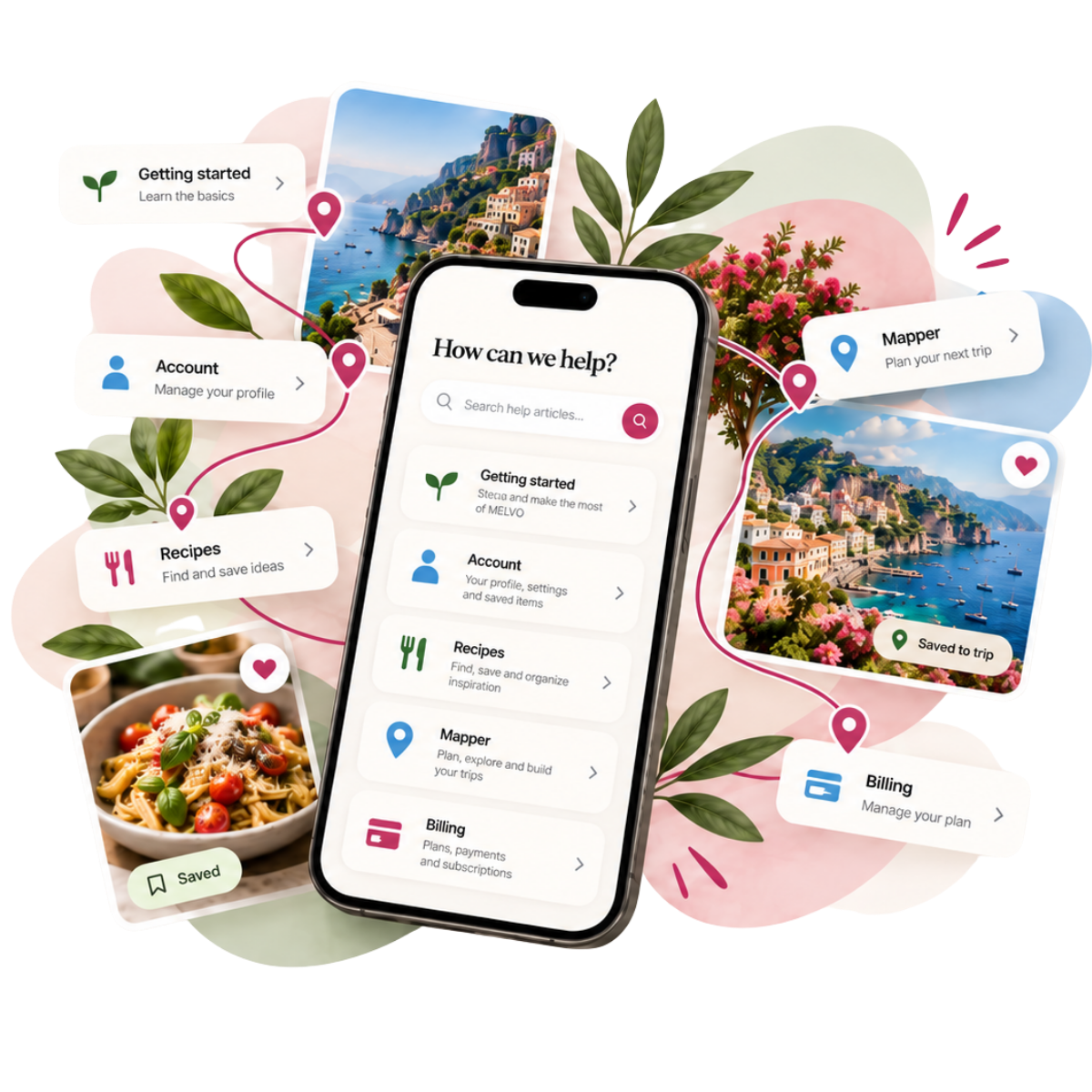
Frequently asked questions
Find quick answers to common questions about MELVO. Can't find what you are looking for? We are here to help.
Answers
Getting started
How do I save a recipe?
Open the recipe you want to save and click the bookmark icon. Your saved recipes appear in your profile for quick access anytime.
How do I add a place?
Navigate to the Mapper section, click "Add Place," and fill in the details like name, location, and any notes you want to include.
Can I use MELVO on my phone or tablet?
Yes. MELVO works in a mobile browser. Native iOS and Android releases are planned; availability will be announced when the store versions are ready.
Recipes and Mapper
What is the difference between Recipes and Mapper?
Recipes are your saved collections of content and inspiration, while Mapper helps you organize and visualize places on a map for planning purposes.
Can I share a recipe with others?
Open a recipe and click "Share." You can generate a link, send it via email, or share directly to social media. Recipients can view without an account.
Can I export or print my recipes?
Yes. Click the menu icon on any recipe and select "Export." You can choose PDF or plain text format. Use your browser's Print function (Ctrl/Cmd + P) for printing.
How do I organize my recipes into folders?
Go to your Recipes section and click "New Folder." Give it a name, then drag and drop recipes into folders. You can create subfolders for deeper organization.
Can I import recipes from other apps?
Currently, you can import content using our browser bookmarklet. Go to Settings > Import and follow the instructions. Direct imports from other services are coming soon.
How do I import places into Mapper?
In Mapper, click "Import" and select your file (CSV or GPX format). Map fields match automatically. You can also paste addresses directly from a list.
Can I export my map data?
Yes. Click the menu in Mapper and select "Export." Choose between CSV, GPX (for GPS devices), or JSON (for technical use). Your custom notes are included.
Can I collaborate with others on a map?
Click "Share" on any map and toggle on collaboration. Collaborators need a free MELVO account. You control whether they can edit or only view.
Does Mapper work offline?
Cached maps are viewable offline, but adding new places or editing requires an internet connection. We're working on full offline support for a future update.
Can I import my data from another service?
Most services allow data export in standard formats. If you're switching from a similar tool, export your data and use our import feature in Settings > Import.
Account and profile
What happens to my saved content?
Your saved content stays in your account until you decide to remove it. It syncs across all your devices when you're signed in.
How do I create an account?
Click "Sign Up" on the homepage, enter your email, and create a password. You'll receive a verification email — click the link to activate your account.
How do I reset my password?
Click "Forgot Password" on the login page, enter your email, and we'll send you a link to set a new password. The link expires after 24 hours.
How do I delete my account?
To request permanent deletion of a Recipes account, visit getmelvo.com/delete-account/ or email support@getmelvo.com from the account email address. The page explains subscription cancellation and legal retention before deletion.
Is MELVO free to use?
Recipes has a free plan for up to 25 recipes. Premium allows unlimited recipes. Recipes shows one current annual price before checkout, with a choice between one year and yearly automatic renewal.
How do I change my notification settings?
Go to Settings > Notifications. Toggle emails for product updates, weekly digests, and account alerts on or off. Changes save automatically.
Troubleshooting
What can I do if a link does not work?
Try refreshing the page first. If the issue persists, copy the exact link and send it to us along with what you expected to happen at support@getmelvo.com.