Product update
v1.0.6A more complete and dependable recipe experience.
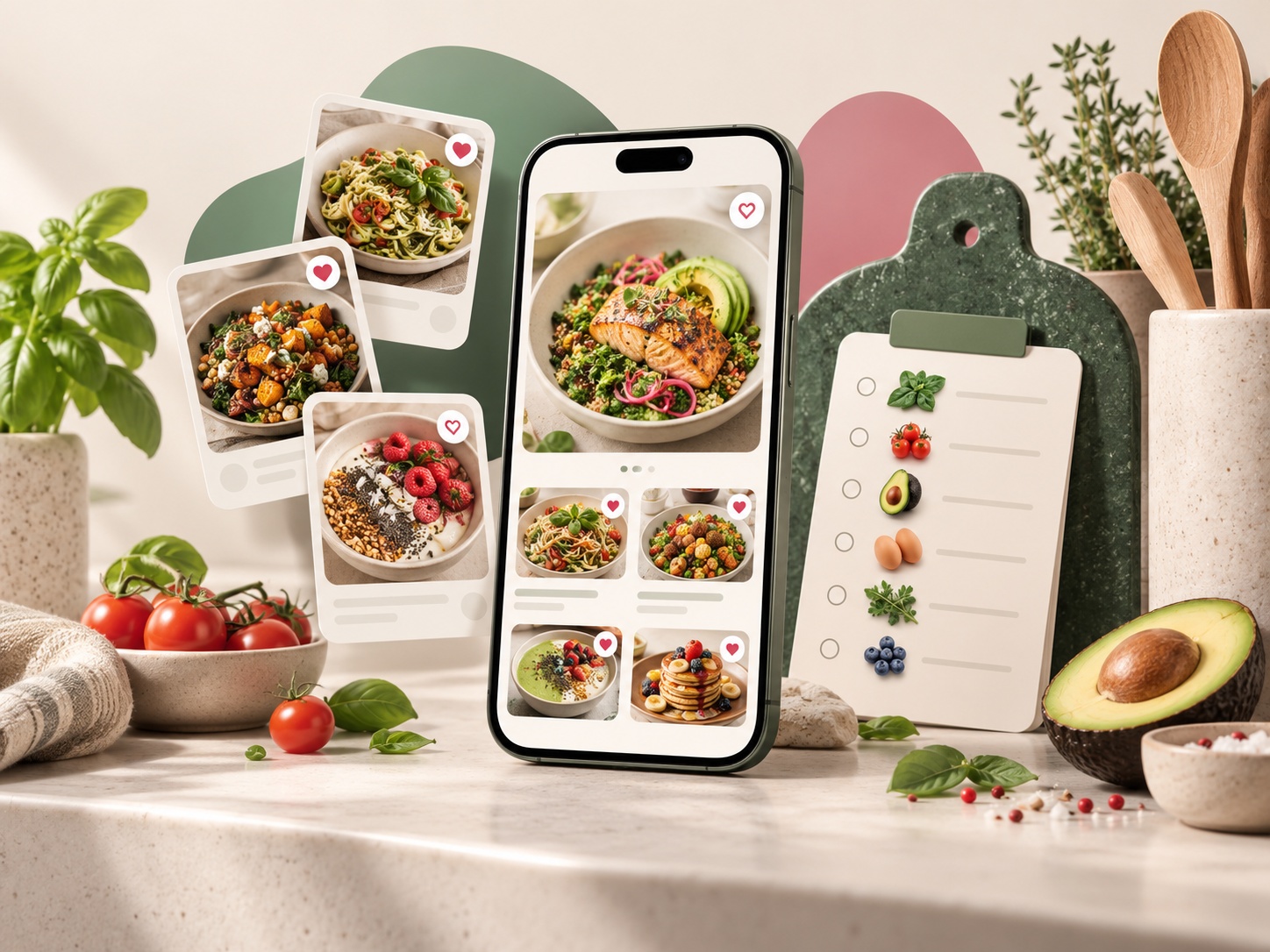
Create and organize recipes more freely, plan with clearer controls, and enjoy a sharper MELVO look on mobile.
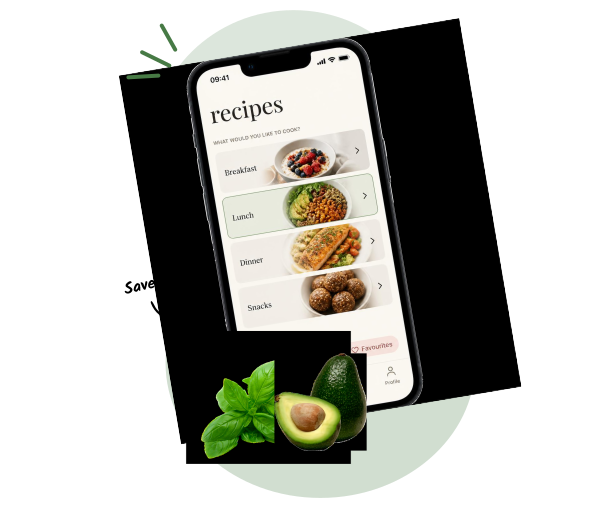
- Create a recipe manually, with an optional source link and a photo you can crop before saving.
- Schedule one-time admin banners with Amsterdam start and end times; the active theme falls back safely when no banner is scheduled.
- Print weekly recipe bundles and let long recipes or shopping lists continue across A4 pages.
- Import a wider range of TikTok, Instagram and recipe-site captions, with editable previews when source data is incomplete.
- Use more consistent recipe filters and planner meal slots, including category-specific recipe selection.
- Sign in with a password protected by Cloudflare Turnstile, while keeping one-time email links available for recovery.
- Keep recipe details in their source language when a complete translation is unavailable, instead of mixing languages.
- See a sharper vector MELVO logo on mobile, with the raster-edge halo removed.
- Keep nutrition values and calculation actions out of the app while nutrition is paused.